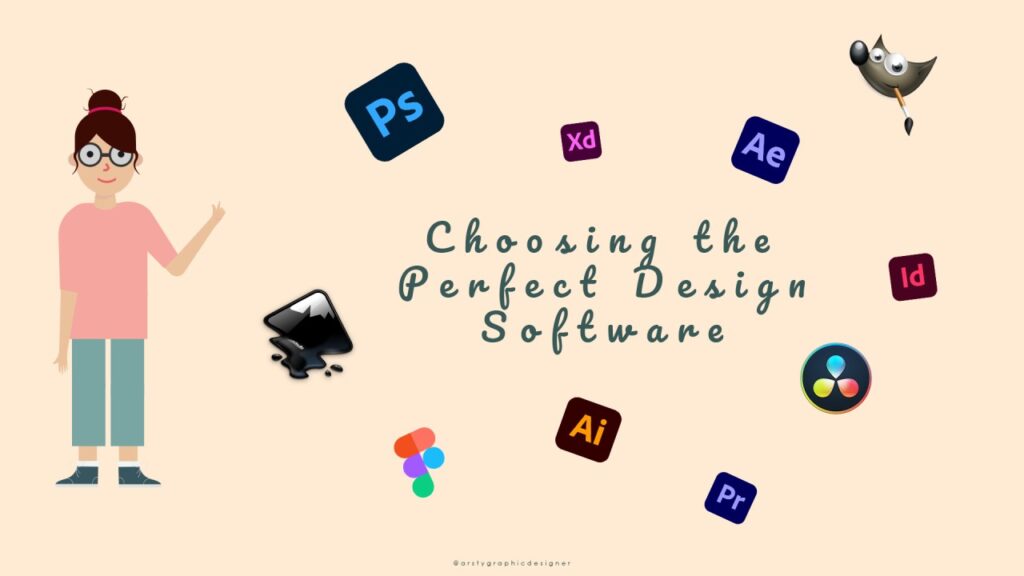
For designers, content producers, companies, and students, graphic design software has become indispensable. The proper graphic design software makes the process simpler, quicker, and more imaginative, whether you’re creating professional illustrations, branding materials, or social media images. You will learn about the top tools, how they operate, and how to select one according to your needs in this 2025 guide.
What Is Graphic Design Software?
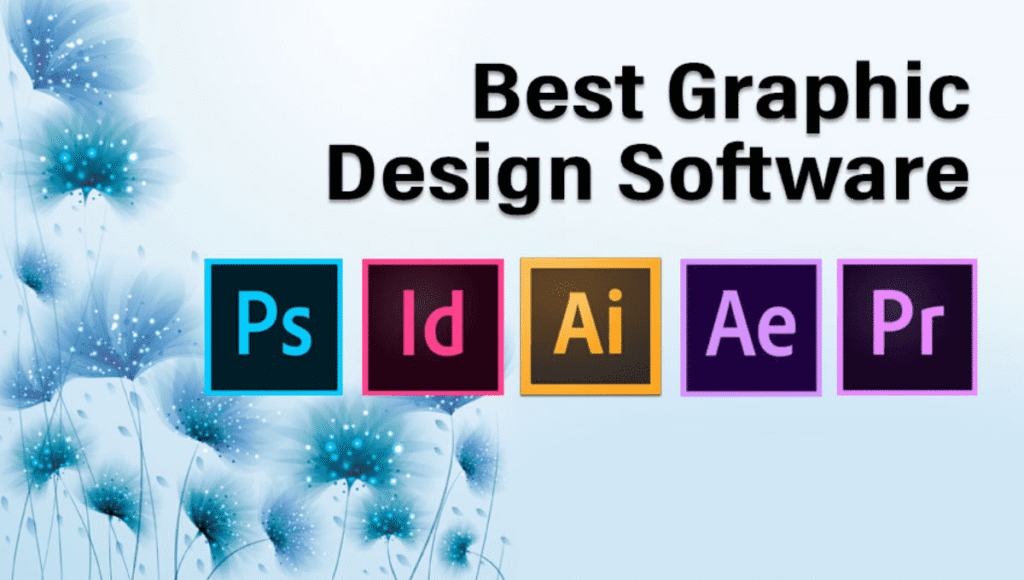
Digital tools used to produce pictures, logos, illustrations, ads, posters, and visual content are referred to as graphic design software. Designers may work with vector graphics, layout design, typography, and photo editing with this software. Selecting the appropriate graphic design software aids in producing high-quality work, whether you’re creating basic social media posts or business branding.
Why Graphic Design Software Matters in 2025
Online presence is crucial in 2025. Powerful images draw clients, foster trust, and effectively convey your brand’s identity. You can produce unique designs, maximize visual marketing, and uphold brand consistency with the aid of graphic design tools. These tools guarantee that your message is both aesthetically pleasing and professional, from logo development to advertising campaigns.
Best Graphic Design Software in 2025
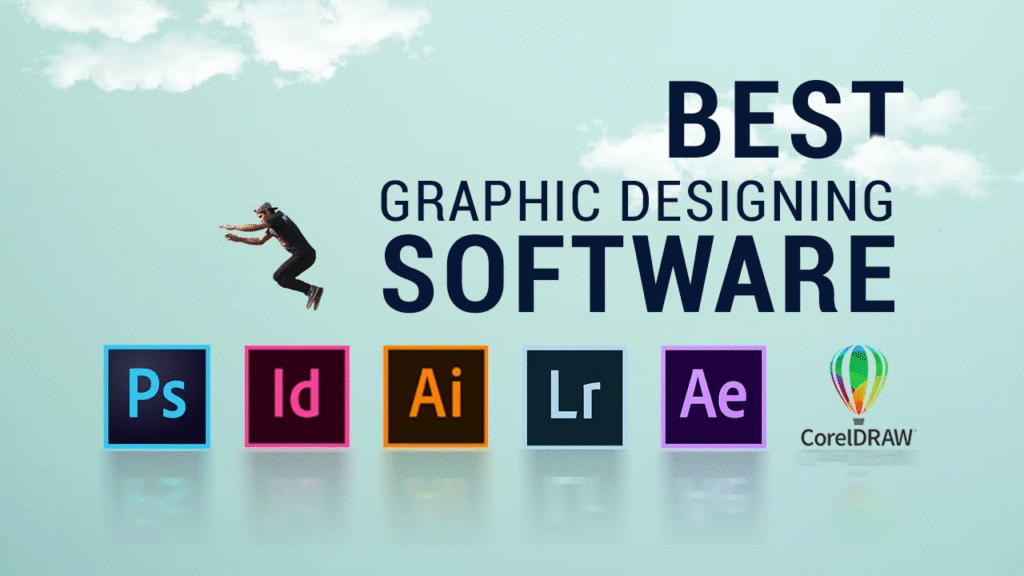
Here are the top graphic design software choices dominating 2025:
1. Adobe Photoshop
For digital design and photo editing, Adobe Photoshop continues to be the industry leader. It provides advanced tools including AI-powered editing, layers, filters, and brushes. This graphic design program is a great option whether you want to make digital artwork, design banners, or retouch pictures.
2. Adobe Illustrator
The greatest graphic design program for vector graphics is Adobe Illustrator. It is perfect for scaling graphics, typography, icons, and logo creation. Illustrator’s accuracy, control, and limitless creative possibilities are why designers use it.
3. Canva
Canva’s drag-and-drop interface, dozens of themes, and straightforward editing features make it ideal for novices. Canva offers everything you need in one location, whether you’re making presentations, flyers, business cards, or posts. For students and non-designers, it’s a great choice for graphic design.
4. CorelDRAW
Another potent graphic design program for sophisticated vector graphics is CorelDRAW. It is well-liked among artists, branding designers, and printing experts that require precise detail and sophisticated editing features.
5. Figma
Figma is primarily a UI/UX design software but also supports graphic creation. It is widely used for designing app interfaces, prototypes, and team collaboration. Figma’s cloud-based workflow makes it perfect for remote teams.
6. GIMP
GIMP is a fantastic substitute for Photoshop if you’re looking for free graphic design software. It has brushes, layers, filters, and other editing tools that are appropriate for novices and creators on a tight budget.
Key Features to Look for in Graphic Design Software
Essential Tools for Better Design Results
When choosing graphic design software, look for:
- Vector editing capabilities
- Photo editing features
- Drag-and-drop interface
- Templates and pre-made layouts
- Font and typography controls
- AI-powered tools
- Cloud storage and device sync
By enabling creators to work more quickly, maintain organization, and freely experiment with various design approaches, these capabilities enhance workflow, increase productivity, and promote professional designs. The entire design process is made easier and more effective when your graphic design software has intelligent features like AI scaling, auto-alignment, color suggestions, and sophisticated typography options.
How Graphic Design Software Improves Creativity
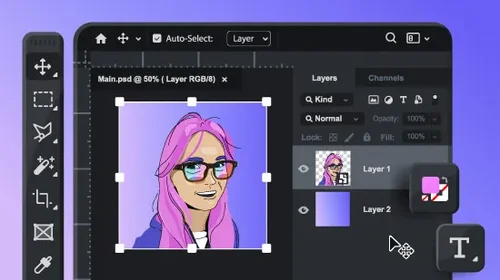
Boost Creative Skills Using Graphic Design Software
Using graphic design software allows creators to experiment with color palettes, brushes, shapes, textures, and layouts. Beginners can quickly turn ideas into visuals, while professionals can refine their unique style. Creativity grows when you explore tools like gradients, shadows, overlays, and illustration features.
Additionally, contemporary graphic design tools frequently interfaces with social media sites, cloud storage, and marketing tools, enabling designers to quickly export and share their work. This greater accessibility maintains efficiency while fostering inventiveness.
Free vs. Paid Graphic Design Software
Choosing the Right Graphic Design Software for Your Needs
- Free software like GIMP, Canva Free, and Photopea is perfect for beginners and budget users.
- Paid software like Photoshop, Illustrator, and CorelDRAW offers advanced tools for professional work.
Because various graphic design software has varied qualities, your decision will rely on the sort of project, your experience, and your long-term objectives. Professionals may require sophisticated functionality for branding, graphics, or UI/UX design, while beginners could favor simple tools with templates.
How Graphic Design Software Helps Improve Workflow Efficiency
The collaborative capabilities found in today’s graphic design tools facilitate more effective teamwork. In design environments, team workspaces, shared libraries, version history, and real-time editing are increasingly commonplace. By removing obstacles to communication, these tools enable several people to edit, review, and improve designs at the same time.
By providing resources like templates, mockups, images, and design elements that stimulate original thought, graphic design software also fosters creativity. Instead of having to start from scratch, designers can now build upon pre-existing structures and concentrate on making their work more aesthetically pleasing. This speeds up the design process, promotes experimentation, and lessens creative barriers.
Conclusion
Using graphic design software is crucial in 2025 to produce eye-catching images, strengthen digital marketing, and improve company identification. Selecting the appropriate graphic design software enables you to create more quickly, intelligently, and creatively, regardless of your level of experience. Social media graphics, branding, UI designs, posters, and ads are all supported by these technologies. Graphic software continues to influence the creative industry with its robust capabilities, AI tools, and user-friendly interfaces. You may develop your abilities and establish a powerful online presence by devoting time to studying the appropriate tools.
FAQs
1. Which graphic design software is best for beginners?
Canva and GIMP are great beginner-friendly options due to their simplicity.
2. Which graphic design software is best for logo design?
Adobe Illustrator is the top software for professional logo creation.
3. Can I use graphic design software for free?
Yes, tools like Canva Free, GIMP, and Photopea are completely free.
4. Is Photoshop necessary for graphic design?
Photoshop is powerful but not mandatory. Many alternatives work well depending on your needs.
5. Do I need a fast computer for graphic design tool?
Heavy tools like Photoshop and Illustrator require good performance, but Canva and Photopea work smoothly online.