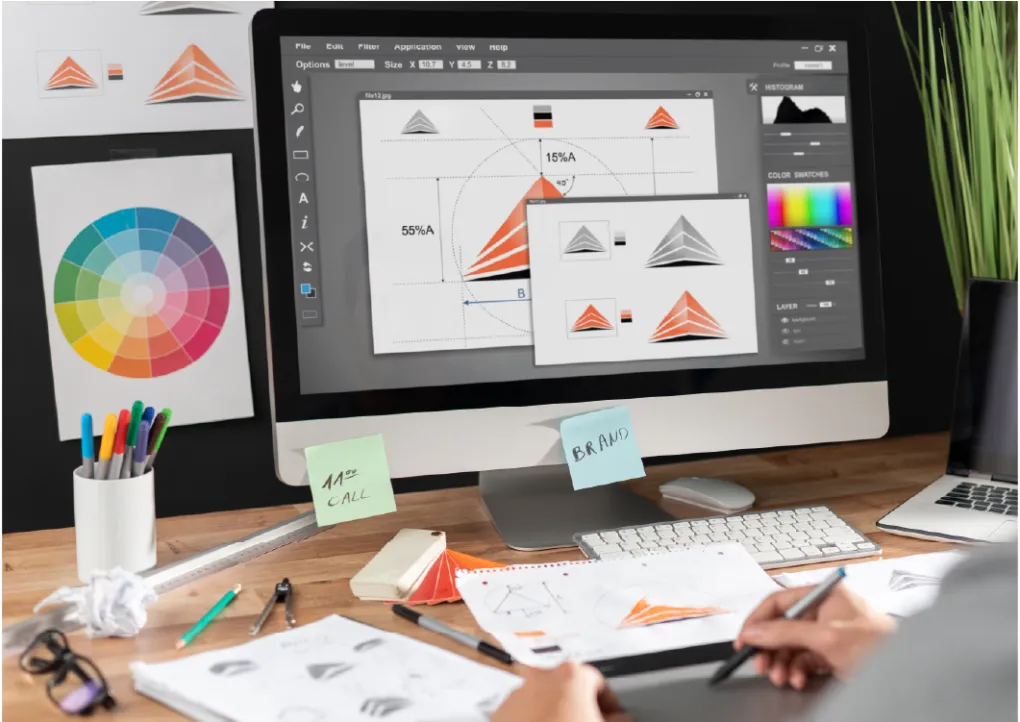
Graphic design tools are crucial for branding, marketing, and visual communication in the current digital era. Your workflow, creativity, and end product are all strongly impacted by the tools you choose, regardless of your level of experience.
The best graphic designing tools for 2025 are examined in this guide, along with their characteristics, applications, and methods for choosing the best one for your creative requirements.
To assist you completely comprehend the digital design ecosystem, we will also delve into related terms like creative software, digital design tools, UI design tools, illustration apps, and picture editing tools.
What Are Graphic Design Tools?
Digital programs used to produce images including logos, posters, social media material, brand identities, UI components, and illustrations are known as graphic designing tools.
These technologies enable designers to work effectively, collaborate with ease, and create excellent images that satisfy contemporary market demands.
From Adobe Photoshop to Figma and Canva, the field of graphic designing tools has evolved tremendously in 2025, delivering AI-powered capabilities, automation, and cloud-based collaboration.
Why Graphic Design Tools Matter in Digital Creativity
1. Importance of Using the Right Design Software
Designers can increase accuracy, consistency, and creative output by using the appropriate graphic design tools. Advanced functionality including vector editing, layering, prototyping, AI content creation, and animation capabilities are included in these tools.
2. Enhancing Productivity and Creativity
To increase productivity, expedite workflows, and support contemporary design trends like 3D visuals, minimalism, and interactive design, professional designers rely on specialized graphic design tool.
Top Graphic Designing Tools in 2025
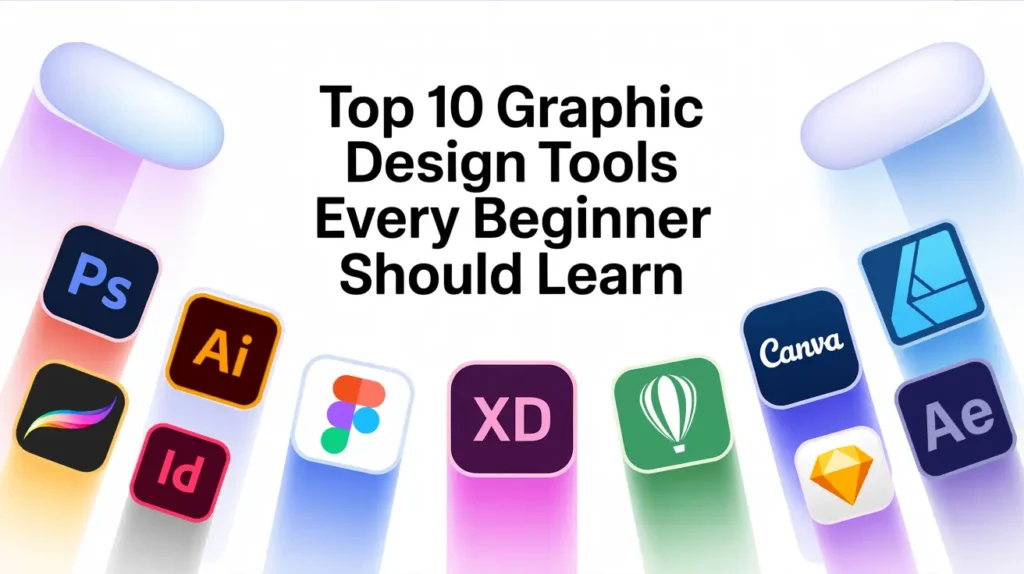
1. Adobe Photoshop: Best for Photo Editing
One of the most potent graphic design programs for image editing, banner creation, digital art, and sophisticated photo manipulation is still Adobe Photoshop.
Layers, masks, brushes, AI retouching, presets, and filters are important features.
2. Adobe Illustrator: Best for Logo & Vector Design
Scalable vector graphics can be made with Illustrator. For professionals in branding and illustration, it is one of the most important graphic design tools.
Important applications include vector graphics, typography, icons, and logo creation.
3. Figma: Best for UI/UX Design
UI/UX designers frequently use Figma, a cloud-based collaborative design tool.
Because of its user-friendly interface, prototype capabilities, and teamwork, it is at the top of the list of contemporary graphic design tools.
Ideal for: wireframes, design systems, mobile app user interfaces, and web design.
4. Canva: Best for Beginners
One of the simplest graphic design tools for novices and small enterprises is Canva.
It makes creating content for social media, presentations, posters, and advertisements easier with its drag-and-drop capabilities and thousands of themes.
5. CorelDRAW: Professional Graphic Suite
Among sophisticated graphic design programs, CorelDRAW is still a dependable choice, particularly for vector graphics, print design, and page layout.
6. Procreate: Best for Digital Art
Artists and illustrators utilize Procreate, a potent iPad program.
Its realistic brushstrokes, layering, and easy-to-use Apple Pencil support make it stand out among graphic creation tools.
How to Choose the Best Graphic Design Tools
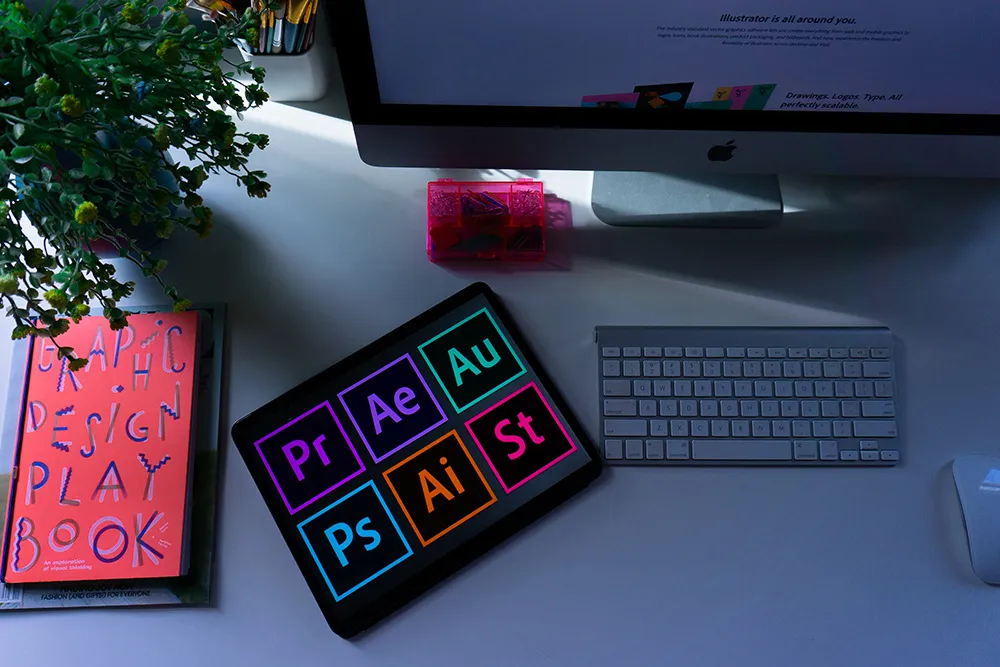
1. Consider Your Design Needs
Your choice of graphic design tool depends on the type of work you do.
For example:
- UI/UX → Figma
- Illustration → Illustrator or Procreate
- Social media → Canva
- Photo editing → Photoshop
- 3D animation → Blender
2. Compare Features and Capabilities
Compare key features such as layers, vector editing, typography support, templates, plugins, AI tools, and collaboration before making a decision.
3: Check Compatibility and Budget
While some graphic design tools operate online, others require powerful hardware.
Select tools based on the capabilities of your device and your budget.
Benefits of Using Modern Graphic Design Tools
1.Speed, Efficiency & Automation
Modern graphic design tools increase accuracy and save time using AI, cloud storage, templates, and automatic design recommendations.
2: Better Creativity and Visual Quality
Designers can express ideas more creatively and produce outcomes of a professional caliber by using sophisticated graphic design tools.
3: Seamless Collaboration on Projects
For remote teams and agencies, graphic design tools like Figma are crucial since they enable real-time interaction.
Future of Graphic Designing Tools in 2025 & Beyond
1. AI-Driven Automation
AI will continue to have an impact on graphic design tools, such as intelligent recommendations, automated layouts, and AI-generated graphics.
2: Cloud-Based Collaboration
In order to facilitate remote work, more graphic design tools will move to cloud platforms.
3: Integration With Coding & 3D Design
Future tools will integrate development operations, animation, and UI design into a single, cohesive ecosystem.
How Graphic Design Tools Shape Modern Creative Workflows
Today’s creative profession is built around graphic design tools, which influence how teams work together across digital platforms, how designers carry out their ideas, and how brands communicate graphically. Because companies rely so largely on digital identity, powerful branding, and visually appealing content to engage with global audiences in 2025, the role of graphic design tools is more important than ever.
The capacity to produce cross-platform designs for the web, social media, print, and branding all inside a single interface is another important benefit of contemporary graphic design tools. Without having to jump between different tools, designers can create anything from UI layouts and social media templates to logos and posters.
It is impossible to overestimate the significance of keeping up with new graphic design technologies. Every year, new features and constant developments are released, giving designers who can quickly adapt a competitive advantage.
Conclusion
In order to increase creativity, enhance workflow, and create powerful brand graphics in 2025, using the appropriate graphic design tools is crucial. Modern graphic design tools provide speed, versatility, and sophisticated features to help you produce beautiful digital material, regardless of your level of experience.
You’ll find countless creative opportunities in digital design, branding, marketing, UI/UX, and more if you take the time to learn these technologies. Gaining proficiency with contemporary graphic design tools provides up countless possibilities, whether you are a novice learning the fundamentals or an accomplished professional developing your creative skill set.
FAQs
1. What are the best graphic design tools for beginners?
Canva, Figma, and Photoshop Express are the easiest graphic designing tools for beginners.
2. Which graphic design tools are best for UI/UX?
Figma, Adobe XD, and Sketch are popular graphic design tool for UI/UX design.
3. Are graphic design tools expensive?
Costs vary. Some tools like Canva and GIMP are free, while Adobe tools require monthly subscriptions.
4. Can I learn graphic design tools without experience?
Yes! Most graphic design tool come with tutorials, templates, and beginner-friendly features.
5. Which tool is best for logo design?
Adobe Illustrator is the top choice among graphic designing tools for professional logo creation.