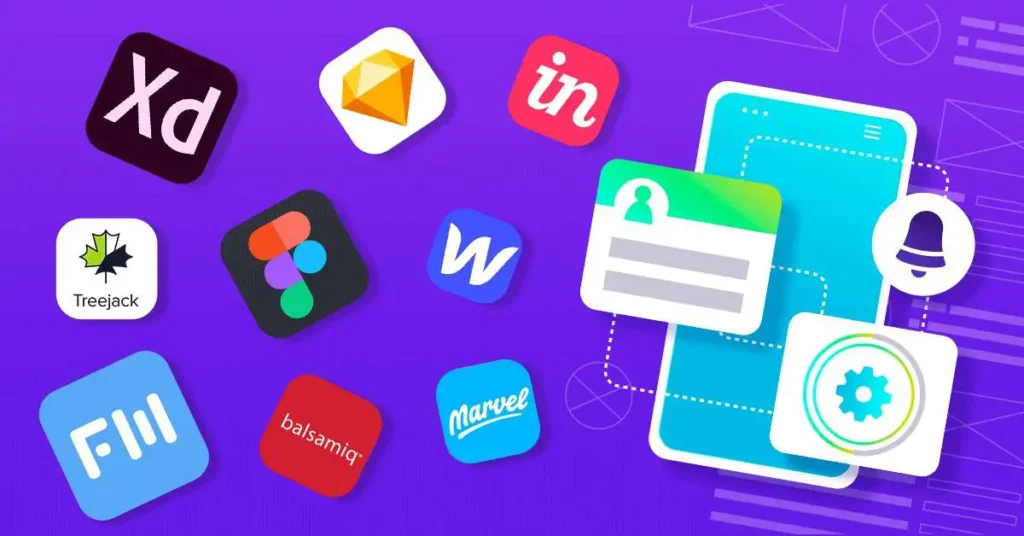
In today’s fast paced digital world, choosing the right UI and Graphic Design Tools is essential for designers who want to build visually stunning and user friendly experiences. Whether you’re a beginner exploring the design world or a professional enhancing your creative workflow, understanding the best UI and Graphic Design Tools can significantly improve your productivity, creativity, and overall design quality.
This detailed guide explains everything you need to know from types, features, benefits, and top tools to ensure you select the most powerful UI and Graphic Design Tools for your needs.
What Are UI and Graphic Design Tools?
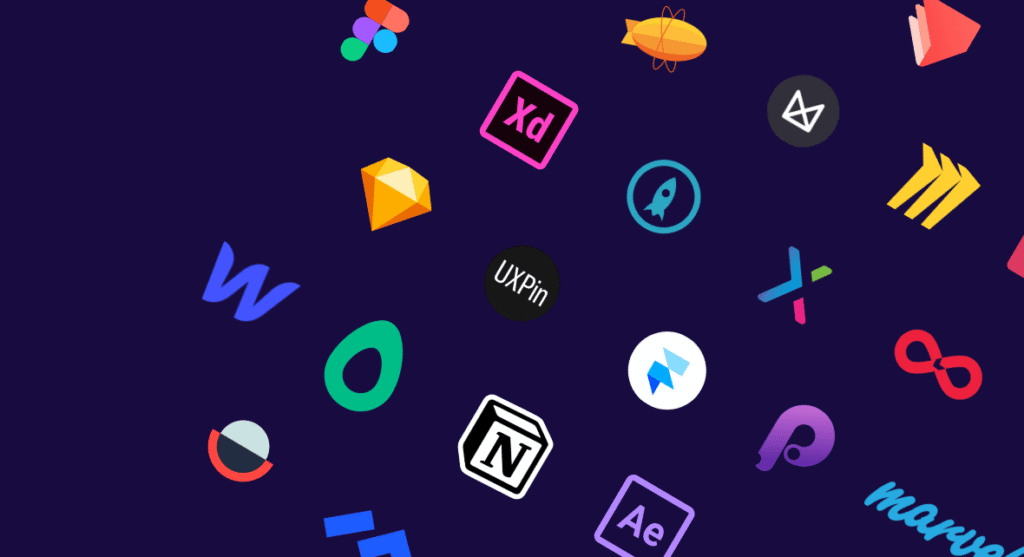
Software programs used to produce digital visuals, user interfaces, illustrations, mockups, and layouts are known as UI and graphic design tools. These resources assist designers in creating aesthetically pleasing and practical experiences.
They support tasks like:
- Wireframing and prototyping
- Creating vector graphics
- Designing user interfaces
- Making social media designs
- Editing photos and illustrations
- Building design systems
Due to rising digital transformation and the emergence of mobile first design, there is a greater need than ever in 2025 for robust UI and graphic design tools.
Why Are UI and Graphic Design Tools Important?
Here are some reasons why designers and brands rely on these tools:
1. Improve Visual Communication
Businesses may effectively convey concepts through images by using UI and graphic design tools.
2. Enhance User Experience
Prototyping, interactivity, and responsive layout design are examples of features found in modern technologies.
3. Boost Productivity
Design work is accelerated by reusable components, cloud syncing, and real time collaboration.
4. Support Creative Flexibility
These tools provide countless creative possibilities, ranging from straightforward icons to intricate interfaces.
Key Features to Look for in UI and Graphic Design Tools
When selecting the best UI and Graphic Design Tools, make sure they include the following core features:
1.Intuitive Interface
Dashboards that are simple to use facilitate efficient work for both novices and experts.
2.Vector-Based Editing
vital for design accuracy and scalability.
3.Collaboration & Sharing
features like cloud libraries, commenting, and editing in real time.
4.Design System Support
Reusable parts keep projects consistent.
4.Prototyping & Animation
to evaluate user interactions, flows, and transitions.
6.Cross-platform Compatibility
operates on web based, Mac, and Windows platforms.
Top UI and Graphic Design Tools in 2025
The most potent and popular UI and graphic design tools that any designer should be familiar with are listed below:
1.Figma
A well known cloud based application for interface design and teamwork.
Why it appeals to designers:
- Real time collaboration
- Strong prototype tools
- Component libraries
- Plugins for automation
Use case: Ideal for product teams, app developers, and UI/UX designers.
2.Adobe XD
One well liked program for creating and testing user interfaces is Adobe XD.
Important characteristics:
- Wireframing
- Responsive resize
- Interactive prototypes
- Integration with Adobe Creative Cloud
Use case: Perfect for UI designers who are already familiar with Adobe products.
3.Adobe Illustrator
One of the most potent tools available for vector design.
Ideal for:
- Logos
- Icons
- Illustrations
- High quality vector designs
Use case: Brand and graphic designers.
4.Canva
An easy to use tool that is ideal for beginners
Why it’s popular:
- Drag and drop interface
- Thousands of templates
- Instant social media designs
Use case: Marketers, independent contractors, and social media producers.
5.Sketch
renowned for its strong UI design talents and simple interface.
Important characteristics:
- Symbols & components
- Plugins
- Prototyping
- Vector editing
Best for: Mac designers focusing on web and app UI.
6.CorelDRAW
An old favourite for customising graphics.
Features:
- Vector editing
- Multi page design
- Layout & typography tools
Use case: Print designers, branding, illustrations.
7.Affinity Designer
Professional quality, reasonably priced design tool.
Why designers choose it:
- One-time purchase
- Powerful vector & pixel tools
- Fast performance
Benefits of Using UI and Graphic Design Tools
Using the right UI and Graphic Design Tools can help you:
- Speed up your workflow
- Improve design consistency
- Enhance team collaboration
- Produce professional, high quality visuals
- Make better user experience decisions
- Create effective brand identity
These advantages have a direct impact on your design success, whether you are working in a team or alone.
How to Choose the Best UI and Graphic Design Tools for Your Work
Choosing the right tool depends on your needs. Consider:
- Your design goals (UI, branding, social media, etc.)
- Your skill level
- Team collaboration needs
- Budget
- Required features
Figma and Adobe XD are excellent options if UI design is your primary emphasis.
Illustrator, Affinity Designer, or CorelDRAW are the finest options if graphic design is your main concentration.
Canva is the best place to start for novices.
Trends Shaping the Future of UI and Graphic Design Tools
Design tools are evolving along with technology. These are the most popular trends:
- AI powered design assistants
- Autolayout and responsive design systems
- Voice and gesture based UI prototyping
- Real time collaboration across platforms
- Cloud based design libraries and workflows
The way we utilise UI and graphic design tools is changing as a result of these changes, becoming quicker, more intelligent, and more user friendly.
Conclusion
In order for designers to produce stunning, useful, and user-focused designs in 2025, they will need strong and adaptable UI and graphic design tools. The correct tools may greatly increase the calibre and productivity of your work, whether you are developing an app interface, designing a logo, or producing marketing graphics.
You may select the greatest UI and graphic design tools for your creative journey with confidence if you are aware of the features, advantages, and trends.
FAQs:
1. Which is the best UI and Graphic Design Tool for beginners?
Because of their straightforward interfaces and free editions, Canva and Figma are the most user-friendly tools for novices.
2. Do I need to learn multiple design tools?
Not all the time. Start with one and develop your abilities in accordance with your professional objectives.
3. Are UI and Graphic Design Tools expensive?
While some programs, like Adobe Illustrator, require expensive subscriptions, others, like Figma and Canva, provide free options.
4. Can I use UI design tools for graphic design projects?
Indeed, UI and general graphic design duties may be handled by programs like Figma and Affinity Designer.