Learning Adobe Photoshop has become crucial for designers, marketers, students, and content creators since it is still the most potent image-editing program available. Gaining a basic understanding of Photoshop may help you develop powerful visual content for digital platforms, enhance your editing workflow, and produce professional designs.
To help you begin your design career successfully, this tutorial covers all the fundamental Photoshop skills for beginners in 2025, including tools, features, approaches, tips, and workflows.
Essential Photoshop Skills for Beginners
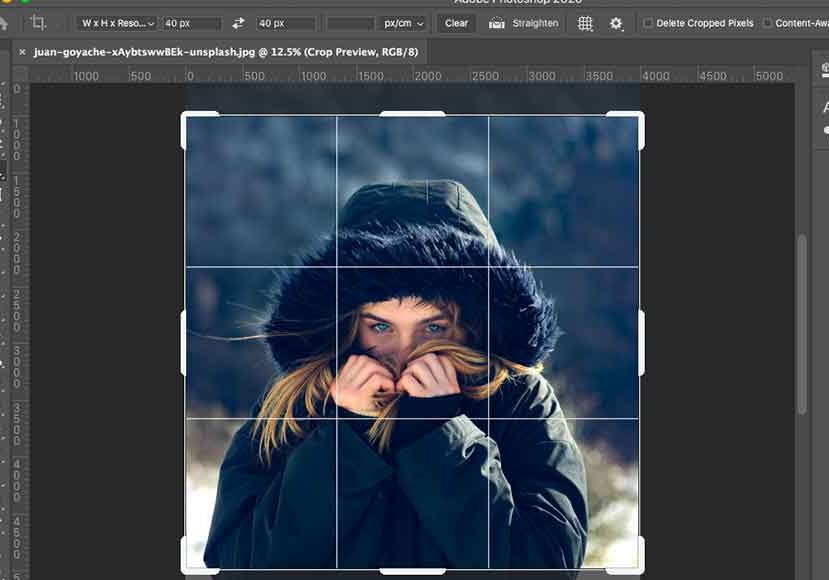
Basic Tools Every Beginner Should Learn
Understanding the fundamental tools is the first step in mastering Photoshop abilities for beginners. Although Photoshop has many features, new users should concentrate on a few key ones to get going.
The Move Tool, Selection Tools, Brush Tool, Eraser, Type Tool, and Shape Tools are among them. Gaining proficiency in these fundamentals enables novices to operate with assurance and establish solid editing foundations.
The basis of all Photoshop skills for novices is understanding how these tools work, which will enable you to work more quickly and creatively.
Photoshop Skills for Beginners Using Layers
Understanding Layer Basics
Understanding how layers function is one of the most crucial Photoshop abilities for novices. Layers let you keep things apart, manage your design, and make non-destructive edits.
Layers can be confusing to beginners, but after you learn how to rename, group, lock, and blend layers, your Photoshop process becomes much more efficient.
Photoshop Skills for Beginners Using Selections
Making Accurate Selections
Because they let you to isolate items, edit particular sections, and eliminate backgrounds, selections are a crucial component of Photoshop skills for novices.
Tools like:
- Magic Wand
- Quick Selection
- Lasso Tool
- Pen Tool
Give novices the ability to precisely choose locations. You can make excellent adjustments to your projects if you have accurate selecting skills.
Photoshop Skills for Beginners in Color Adjustment
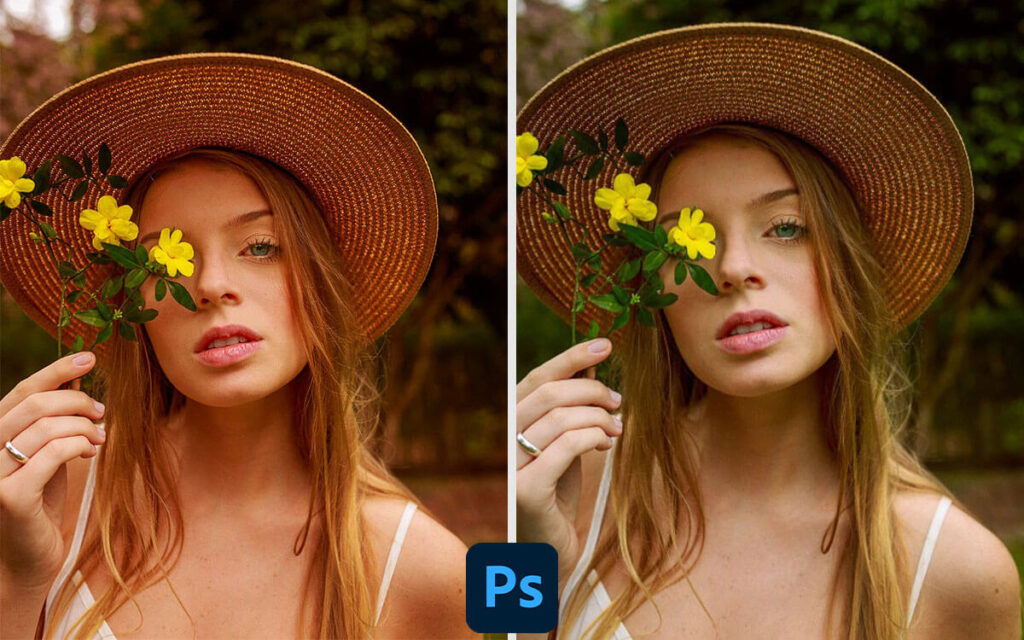
Photoshop offers strong capabilities for enhancing the hues and tone of your photos. Since color correction is necessary for practically every job, these are essential Photoshop abilities for novices.
Important tools include:
- Brightness & Contrast
- Hue & Saturation
- Levels
- Curves
By increasing colors, boosting contrast, and fixing flaws that degrade photo quality, learning these techniques enables novices to turn boring images into vivid, professional graphics. Even an unremarkable image can be transformed into something polished and eye-catching with the correct tweaks.
Photoshop Skills for Beginners Using Text & Typography
Typography is a crucial component of design, and knowing text tools is essential for novice Photoshop users. You may modify fonts, spacing, alignment, and effects with Photoshop. Posters, ads, social media posts, and brand identities are all enhanced by well-designed text.
Photoshop Skills for Beginners Using Brush Tools
Brush Settings and Painting Tools
Retouching, mixing, painting, and creating textures are all done with brush tools. For novice Photoshop users, an understanding of brush size, hardness, opacity, and flow is crucial.
With Photoshop’s many customisable brushes, which enable endless creativity, beginners can enhance photos and create beautiful artistic effects. These tools make it simple for novice users to incorporate texture, depth, highlights, shadows, and distinctive artistic strokes into their designs.
Photoshop Skills for Beginners Using Retouching Tools
Simple Photo Retouching Techniques
Since photo editing is the cornerstone of any visual enhancement and creative design work, it is one of the most sought-after Photoshop skills for beginners. It doesn’t take long for novices to discover that Photoshop has a robust feature set that can completely alter any image.
- Spot Healing Brush
- Clone Stamp
- Patch Tool
They aid in polishing photos, fixing flaws, and removing blemishes. With the help of these tools, novices may professionally edit images with little effort.
Photo editing is one of the most important and useful Photoshop abilities for anyone just beginning their design career because as new learners practice more, they start to comprehend how each tool contributes to cleaning photographs.
Photoshop Skills for Beginners With Shortcuts
Keyboard Shortcuts for Faster Editing
Because they expedite workflow and improve editing efficiency, keyboard shortcuts are an essential component of Photoshop skills for novices.
Popular shortcuts include:
- Ctrl + T (Transform)
- Ctrl + J (Duplicate Layer)
- Ctrl + Z (Undo)
- B (Brush Tool)
- M (Selection Tool)
By cutting down on the time spent looking for tools and navigating menus, learning shortcuts helps novices finish jobs efficiently and professionally. New learners’ workflow becomes more effective, quicker, and seamless when they form the habit of utilizing key Photoshop shortcuts.
Photoshop Skills for Beginners Using Templates
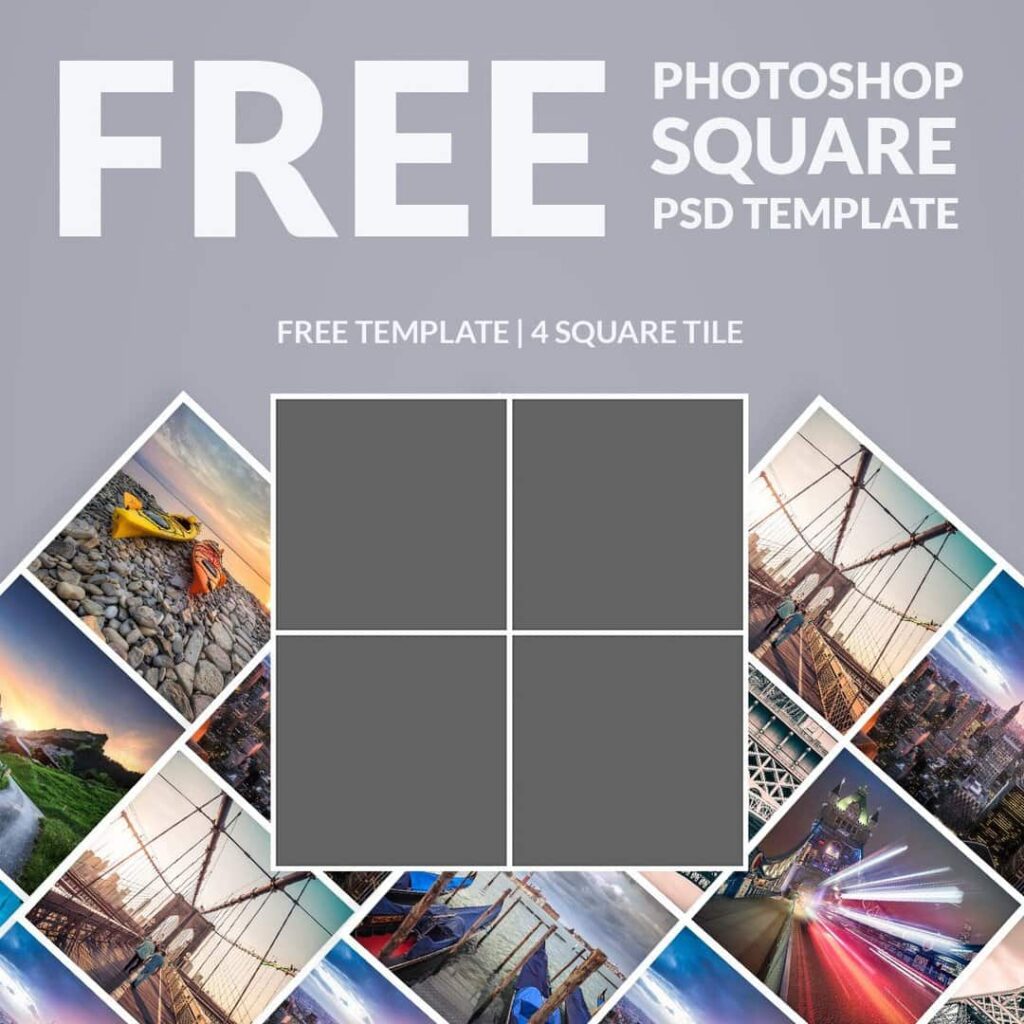
Starting With Pre-Made Templates
Using pre-made templates for social media posts, YouTube thumbnails, posters, and banners can help beginners complete their projects more quickly.
Because it teaches layout design and creative structure, this is one of the simplest Photoshop talents for novices. Additionally, templates foster innovation and teach novices design patterns.
Photoshop Skills for Beginners for Branding
Creating Simple Logos and Graphics
Another crucial component of Photoshop skills for novices is learning the fundamentals of branding. Shapes, text effects, and color style can be used by novices to create basic logos, icons, and brand assets. These abilities aid novices in working on freelance jobs and building their portfolios.
Conclusion
The first step to becoming a professional designer is learning Photoshop for beginners. Every ability, from tools and layers to retouching and typography, boosts your self-assurance and inventiveness. Photoshop is still an effective tool for corporations, freelancers, students, and content producers in 2025. Beginners may quickly turn their ideas into beautiful images and begin developing a solid design career by consistently using these fundamental strategies.
FAQs: Photoshop Skills for Beginners
1. What are the basic Photoshop skills for beginners?
Basic tools, layers, selections, color correction, text editing, and retouching are the most important Photoshop skills for beginners.
2. Is Photoshop easy for beginners?
Yes. With tutorials, templates, and practice, Photoshop becomes easier to learn step-by-step.
3. How long does it take to learn Photoshop skills for beginners?
Most beginners learn basic Photoshop skills in 2–4 weeks with consistent practice.
4. Do beginners need a powerful computer for Photoshop?
A normal laptop with at least 8GB RAM works fine for learning Photoshop skills for beginners.
5. Can beginners earn money using Photoshop?
Yes! Beginners can design social media posts, logos, thumbnails, posters, and earn through freelancing.